The page library
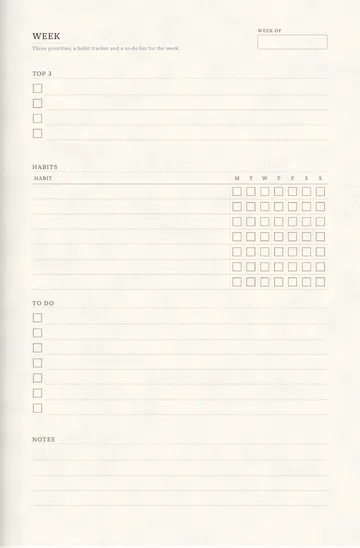
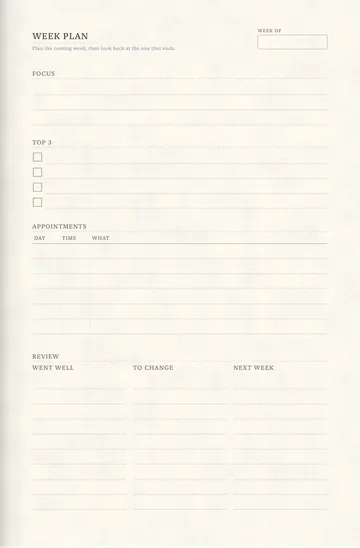
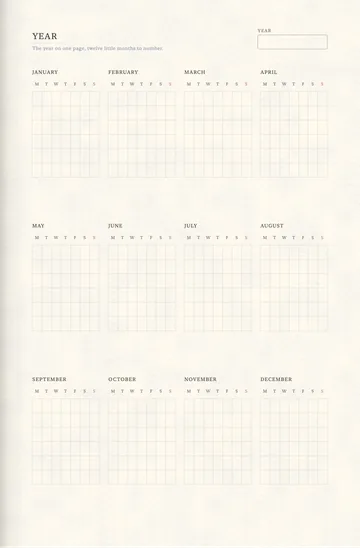
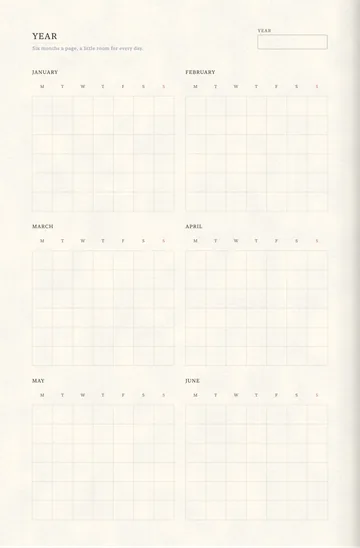
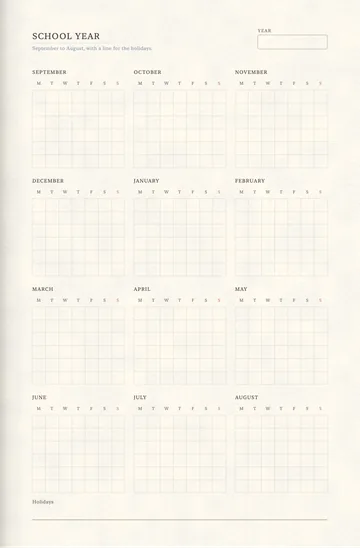
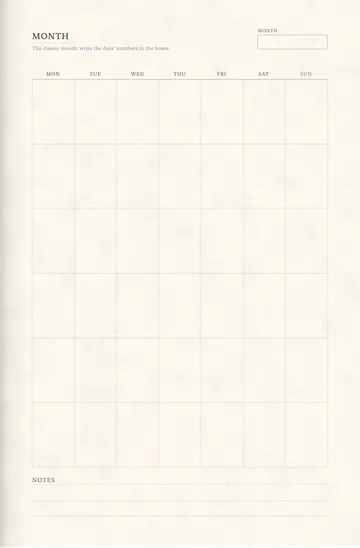
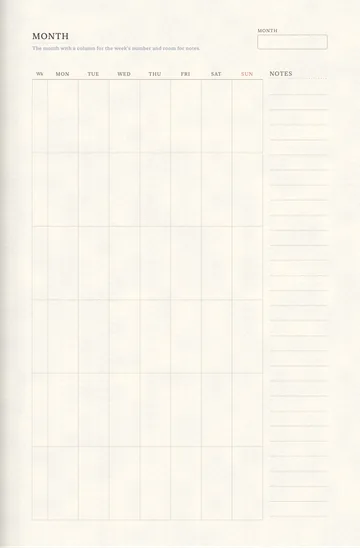
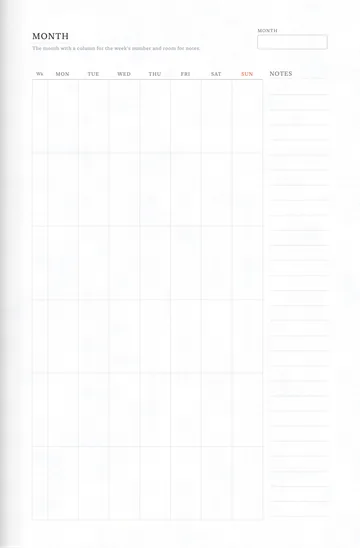
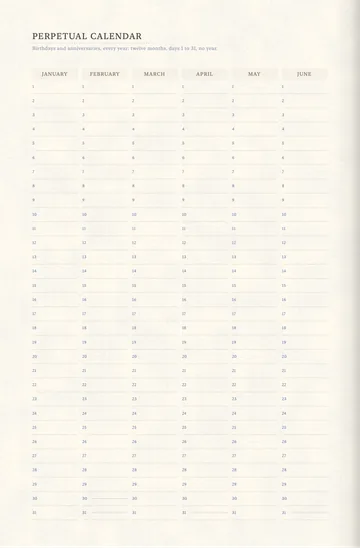
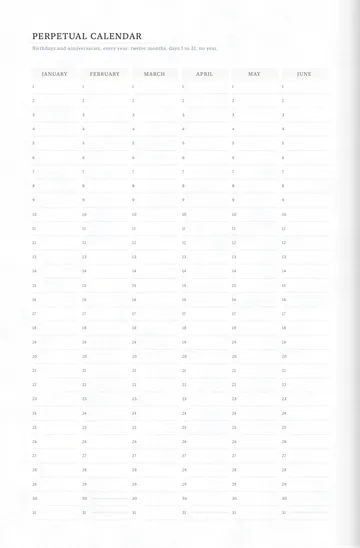
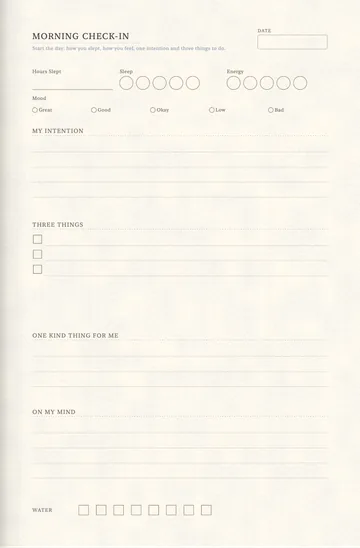
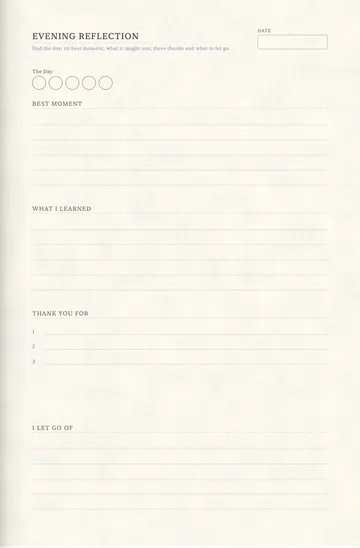
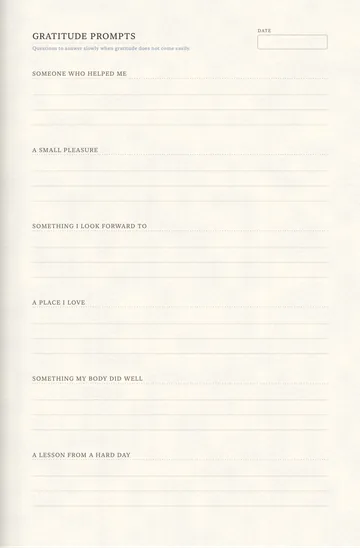
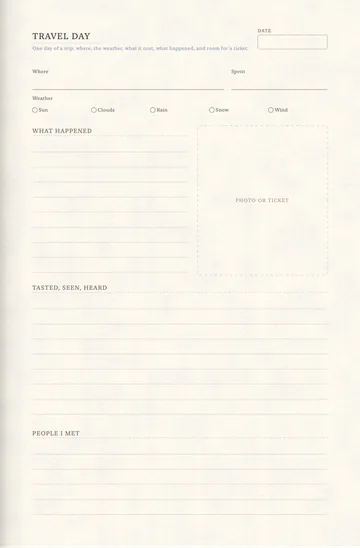
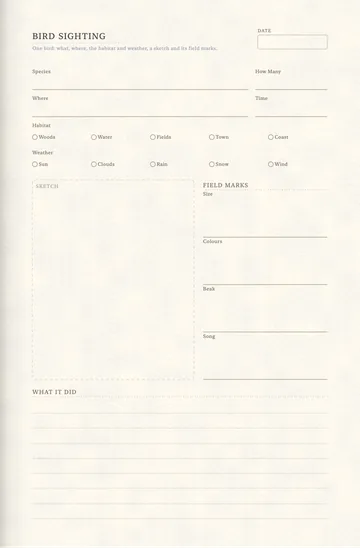
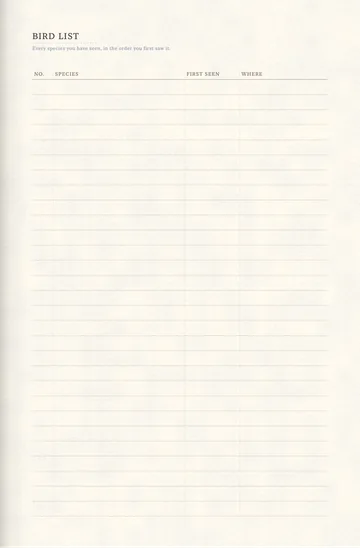
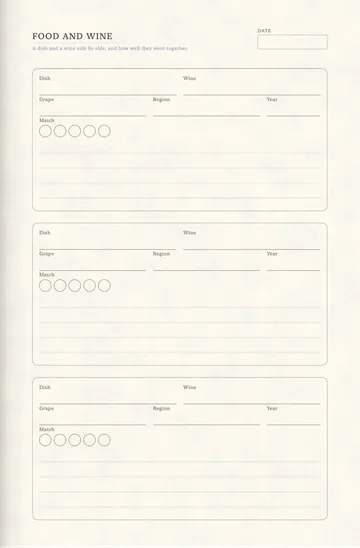
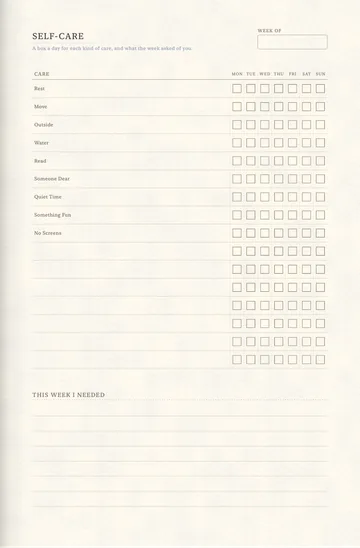
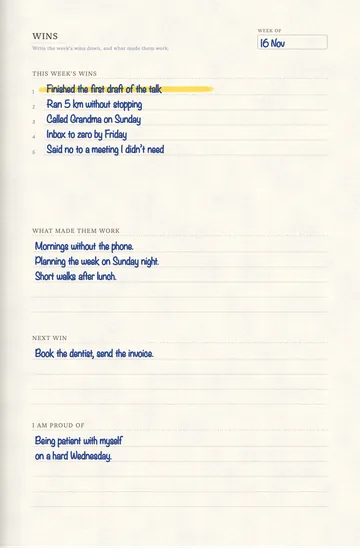
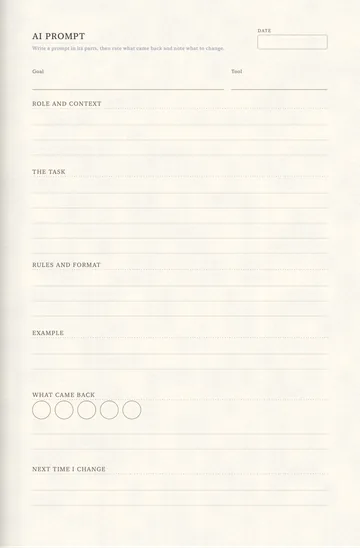
297 pages you can add to any notebook, anywhere: a weekly spread, a habit tracker, a recipe sheet. In the app, open Catalog › Pages and choose Add to Notebook….
Nothing matches. Clear the search or a filter.
Notes and Writing
-
-
-

-

-
-
-
-

-

-

-

-

-
-
-
-
-
-
-

-
-
-
-
-
-


Dots


School
-
-
-
-
-
-
-
-
-
-
-
-
-


Planning
-
-
-
-
-
-
-
-
-
-
-
-
-
-
-
-
-
-
-
-
-
-
-
-
-
-
-
-
-
-
-
-
-
-
-
-
-
-
-
-
-
-
-
-
-
-
-
-
-
-
-
-
-
-


Calendars
-
-
-
-
-
-
-
-
-
-
-
-
-
-
-
-
-
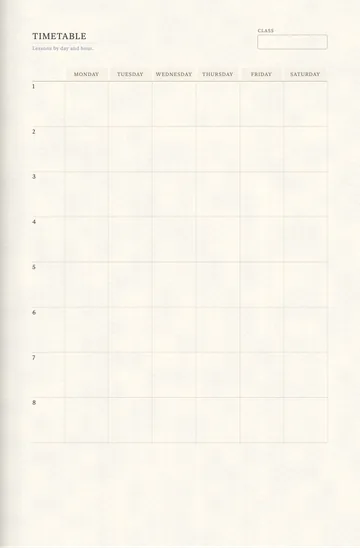
-
-
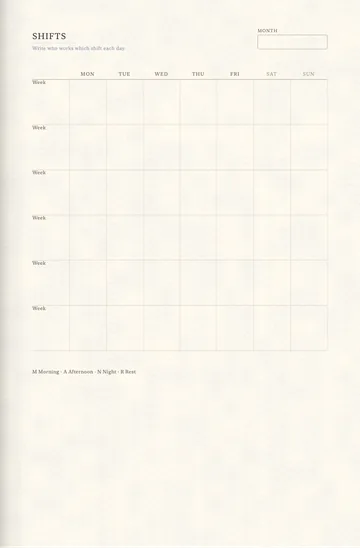
-
-
-


Work


Project Management


Habits, Health, Money, Home


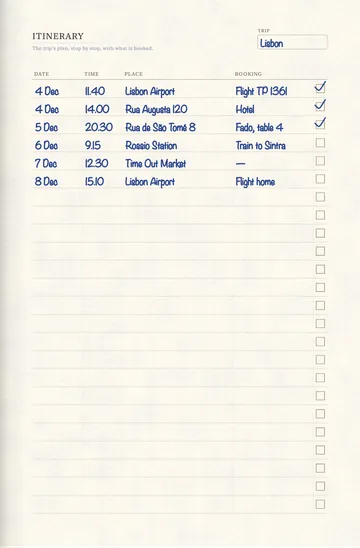
Reading, Travel, People


Chinese and Japanese


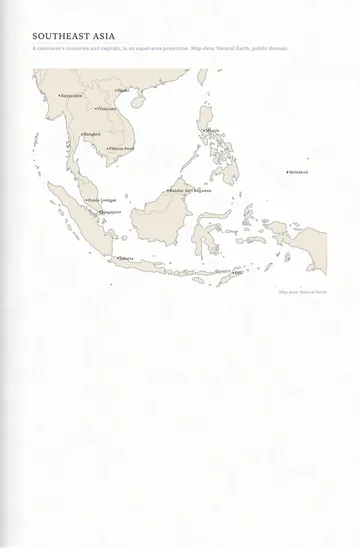
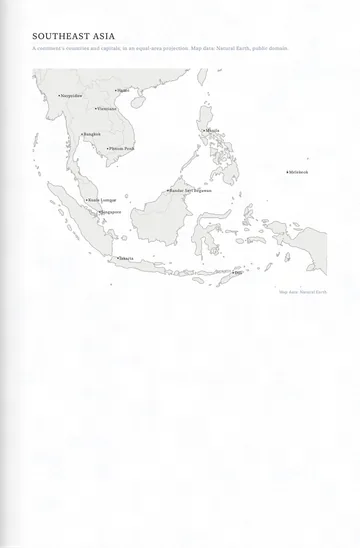
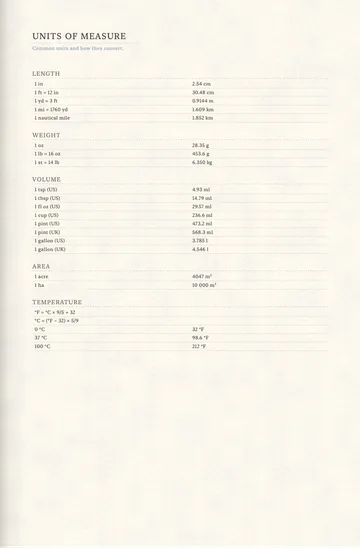
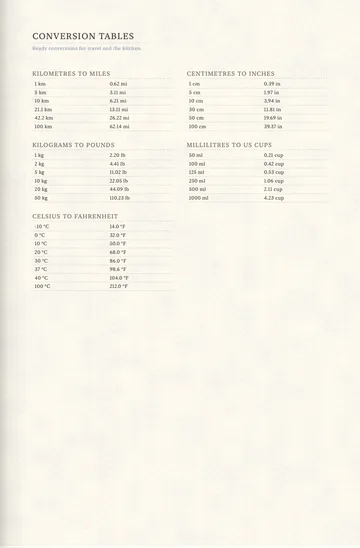
Reference
-
-
-
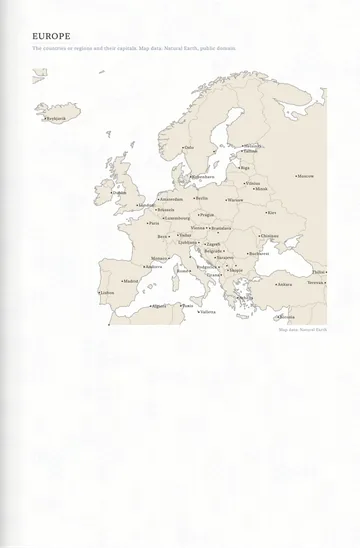
-
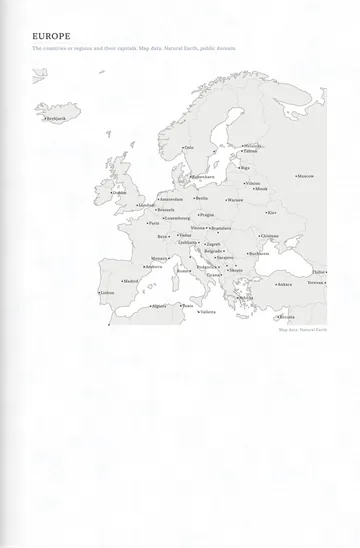
-
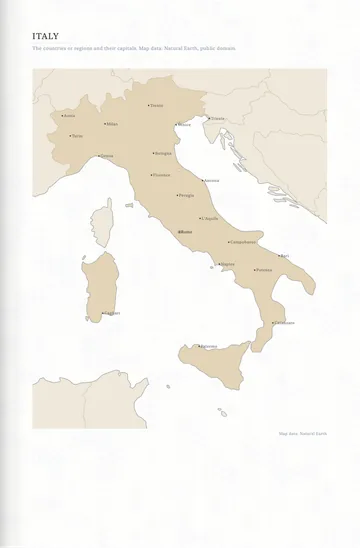
-
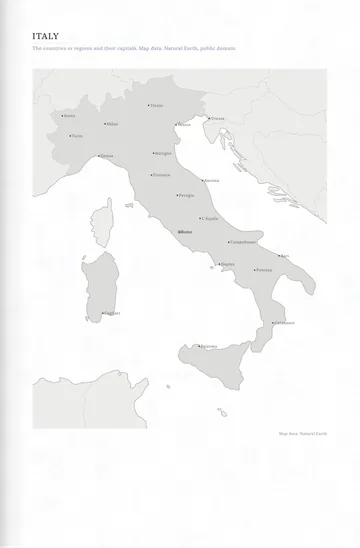
-
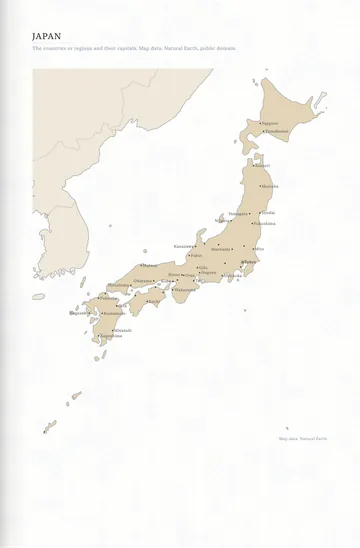
-
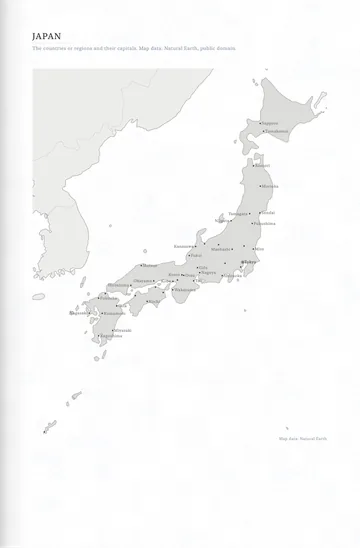
-
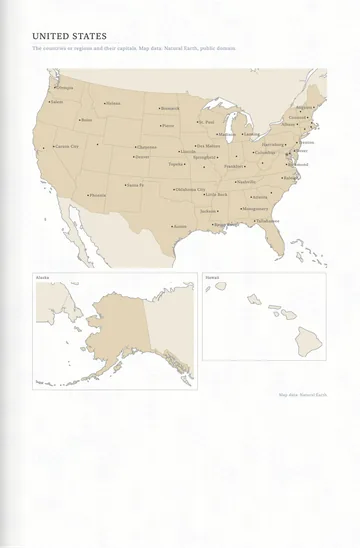
-
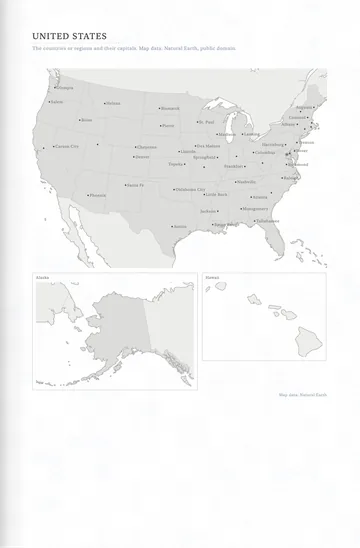
-
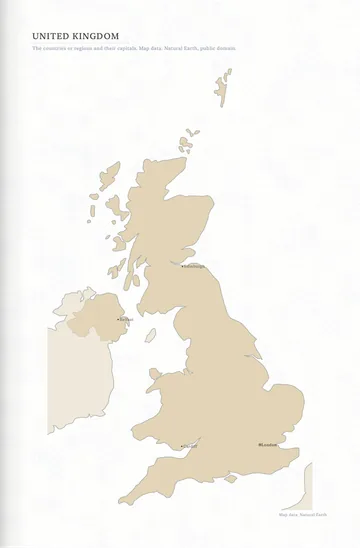
-
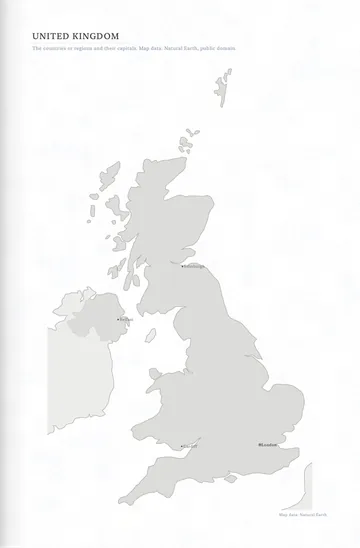
-
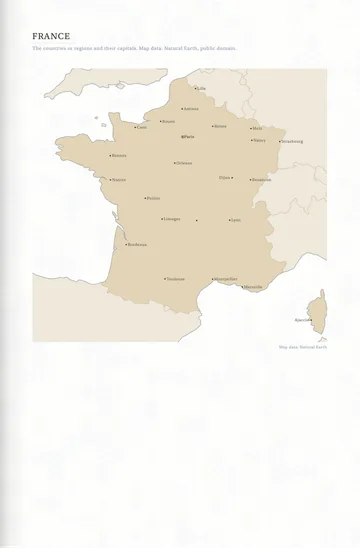
-
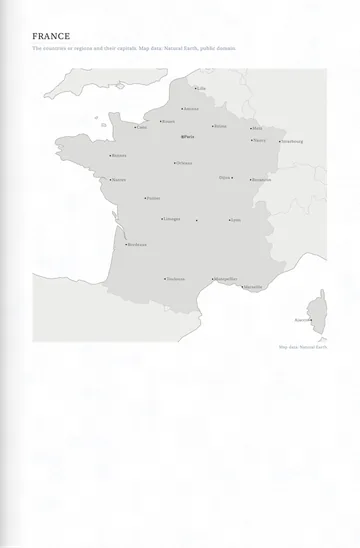
-
-
-
-
-
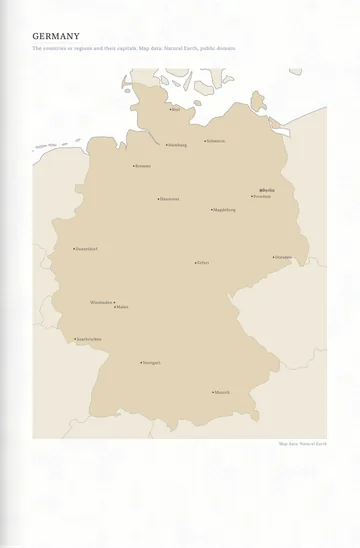
-
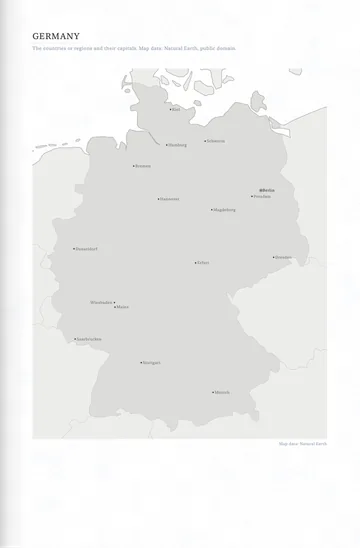
-
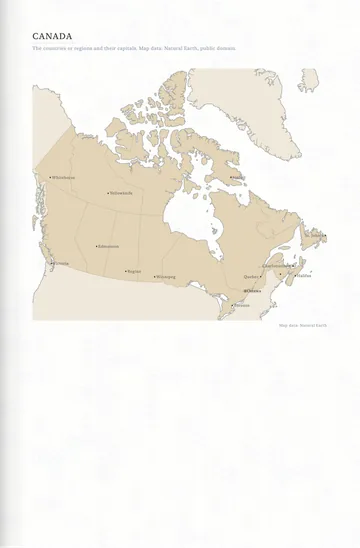
-
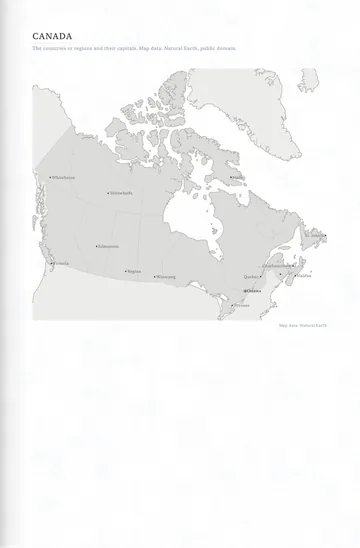
-
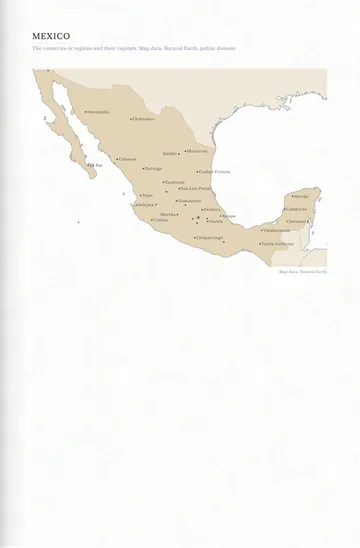
-
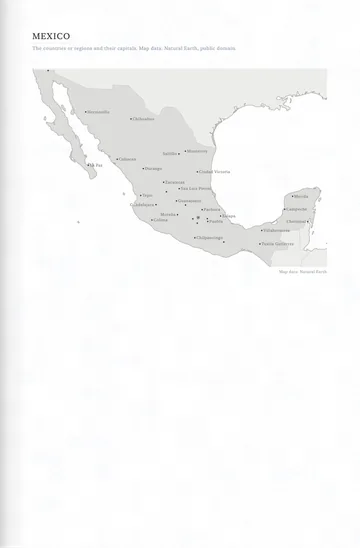
-
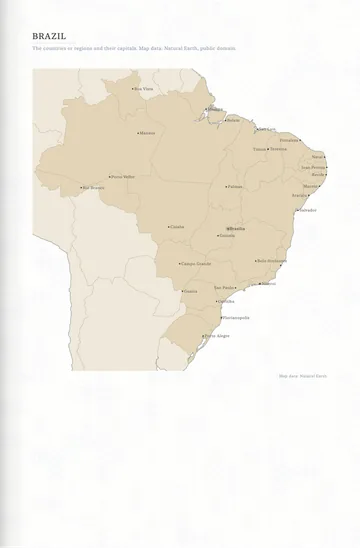
-
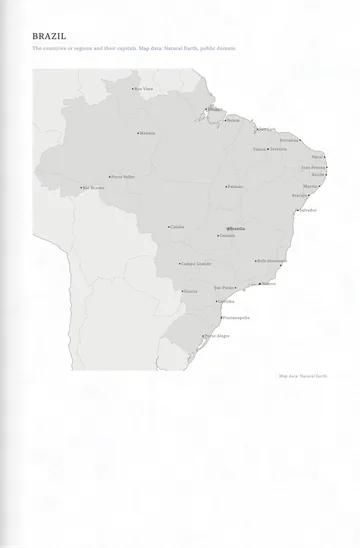
-
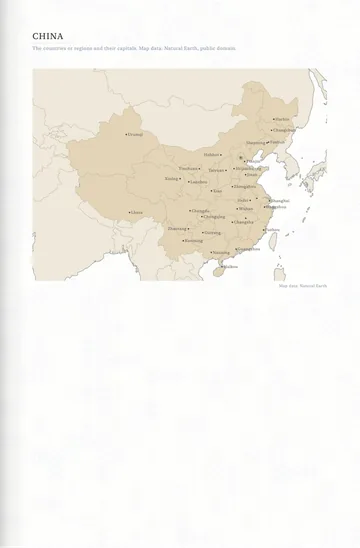
-
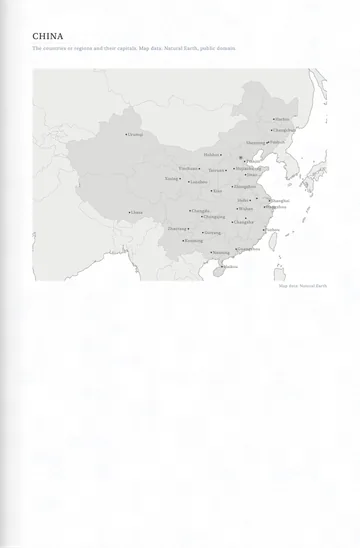
-
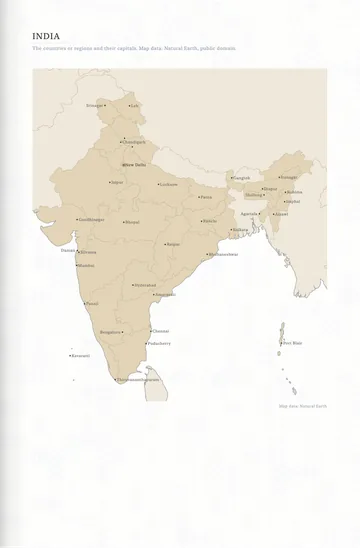
-
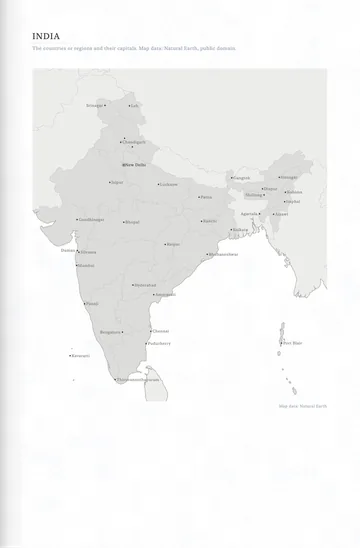
-
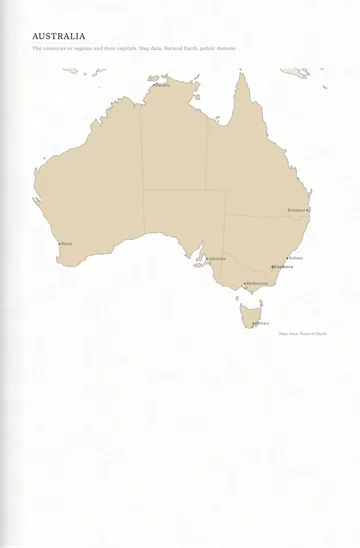
-
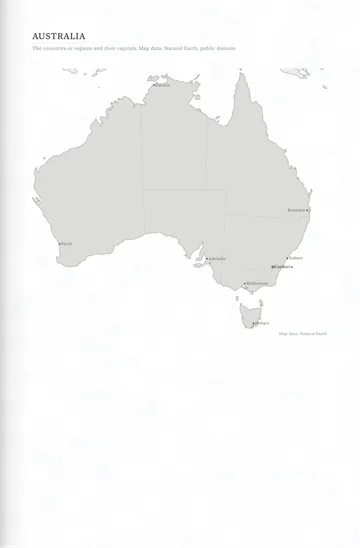
-
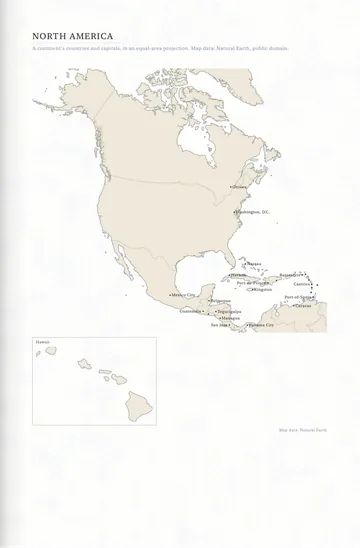
-
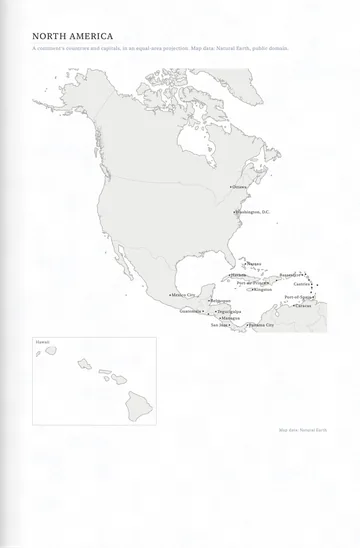
-
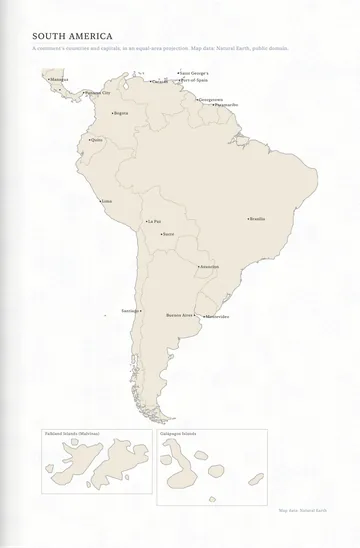
-
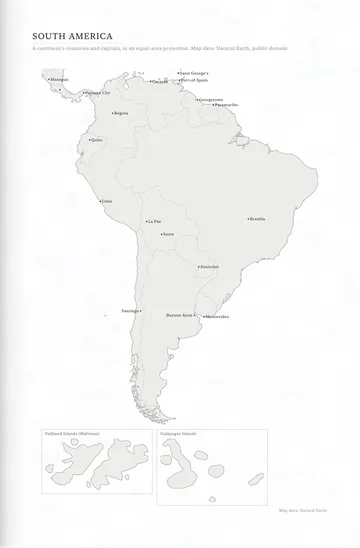
-
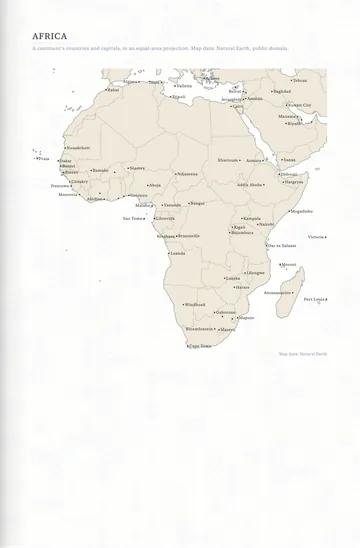
-
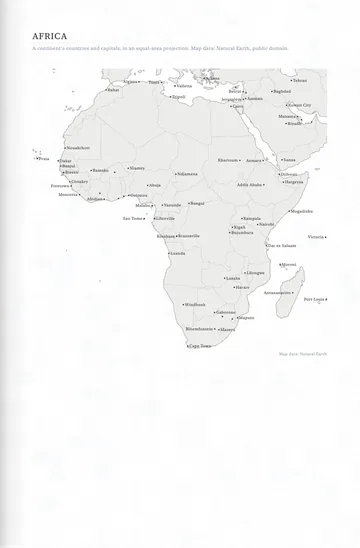
-
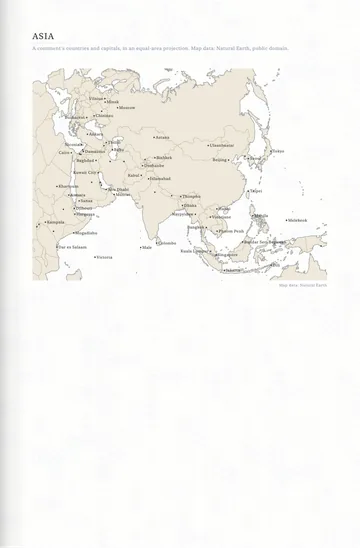
-
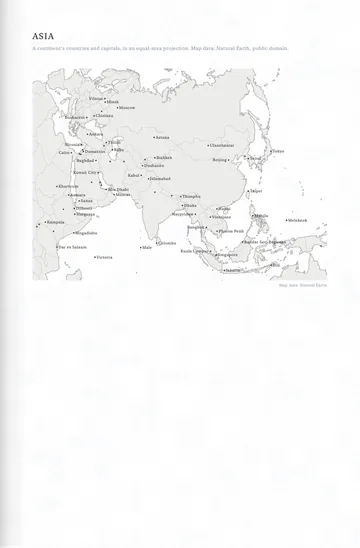
-
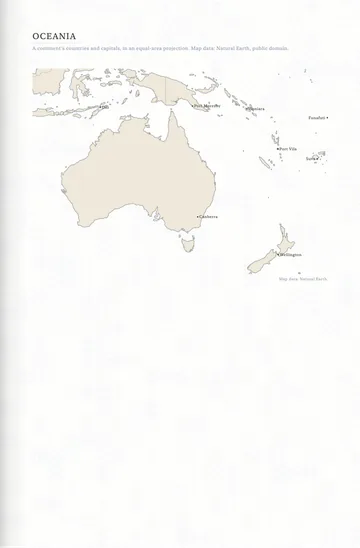
-
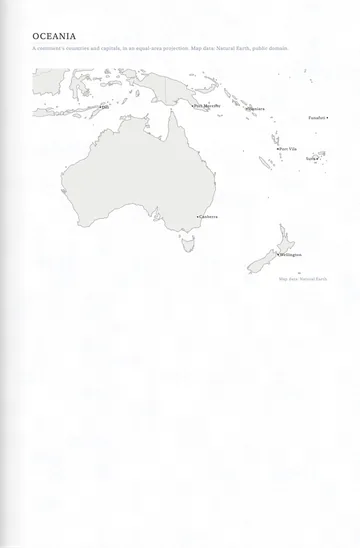
-
-
-
-
-
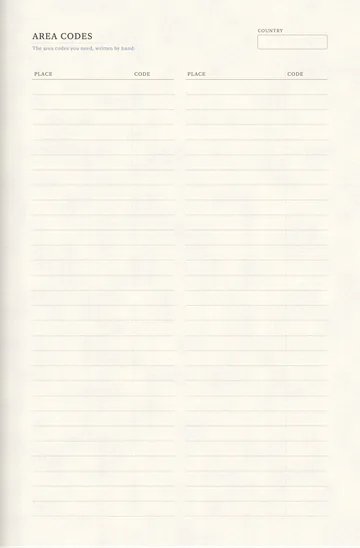
-
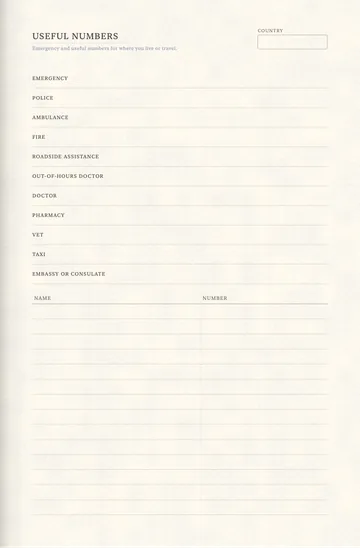
-
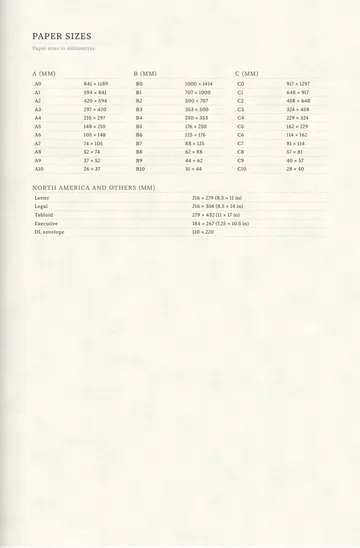
-
-
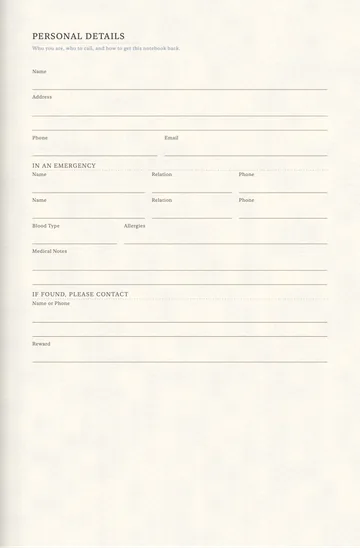


Notebook Structure


Goals and Reflection


Health and Body


Money


Home and Life


Study


Freelance and Creative


Seasons and the Day


Journals and Diaries
-
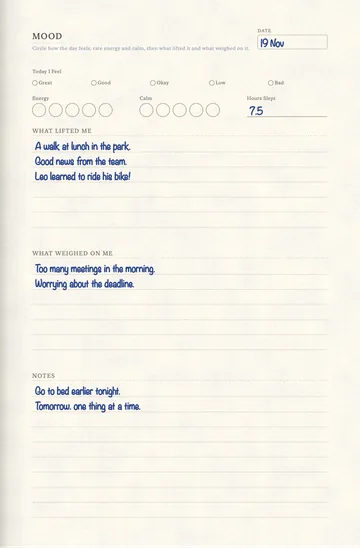
-
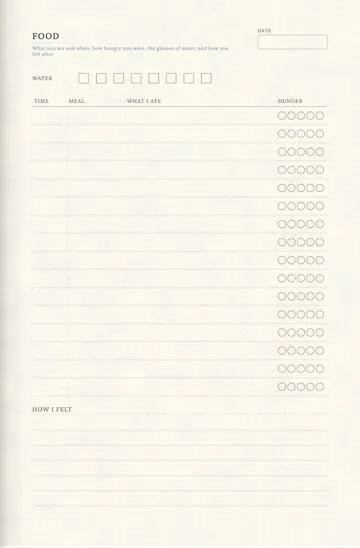
-
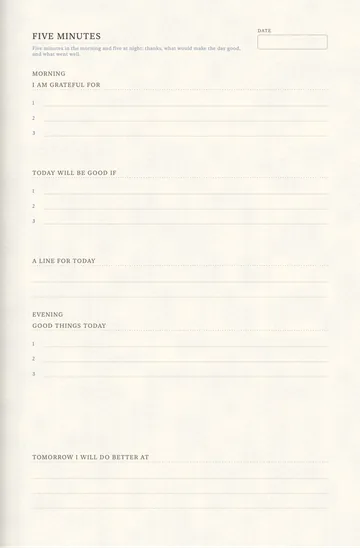
-
-
-
-
-
-
-
-
-
-
-
-
-
-


Pocket Pages


Why not just a PDF template?
| What | A PDF in a note app | In Nokiro™ |
|---|---|---|
| Getting them | Buy each one, download it, import it, link its pages by hand. | Catalog › Pages › Add to Notebook…: any page, in any notebook, wherever you want. |
| What you write | Ink on a picture of a page. | Read on your device: handwriting you can search, dates that go to your Calendar, totals that add up. |
| The notebook | A file among files, pages that scroll. | A real notebook: pages that turn under your finger, tabs, ribbons, a pocket. |
| Price | Often paid per template. | Nokiro™ is free to download, with no account. |
Questions
How do I add a page to my notebook?
In Nokiro™, open Catalog › Pages, find the page and tap Add to Notebook…: choose the notebook and the place (here, at the front, at the end or before a section). It works with every binding.
Are these PDF templates for GoodNotes or Notability?
No: they are 297 pages of Nokiro™, a notebook app of its own, where they turn like paper and read what you write. Any page can be exported as a PDF at its true size.
Do they work on iPhone?
Yes. On iPad and iPhone Duo every page fits; on an ordinary iPhone, which shows one page at a time like a pocket notebook, the single undated pages.
Can I write with my finger?
Yes. Apple Pencil is welcome, never required: take a pen from the tray and your finger writes.
More answers in Support & FAQ, or see how it feels.
Your next notebook is one tap away.
Nokiro™ is a real paper notebook for iPad, iPhone and iPhone Duo: pages that turn, sixteen real tools, stickers you peel, and 297 pages to add wherever you want. Free to download, with no account.
Download on theApp Store