Notebooks and planners
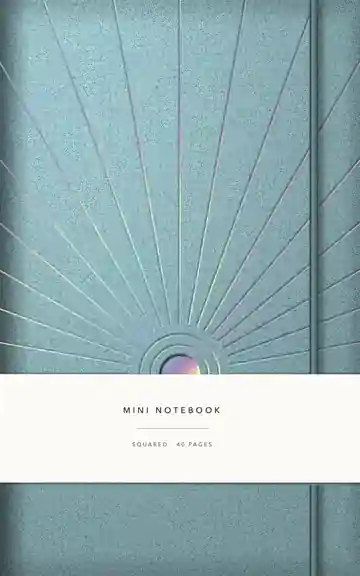
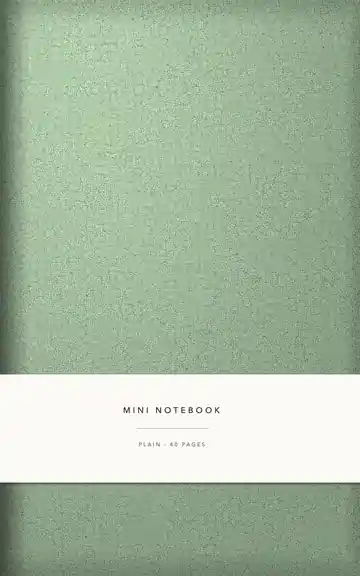
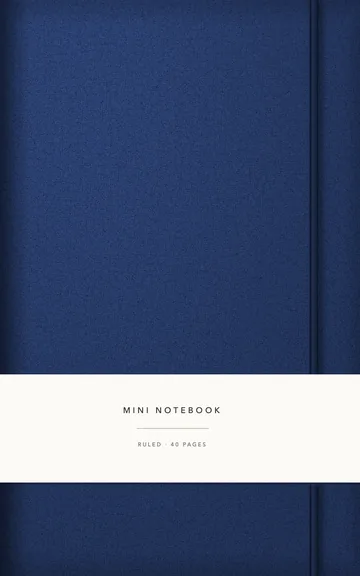
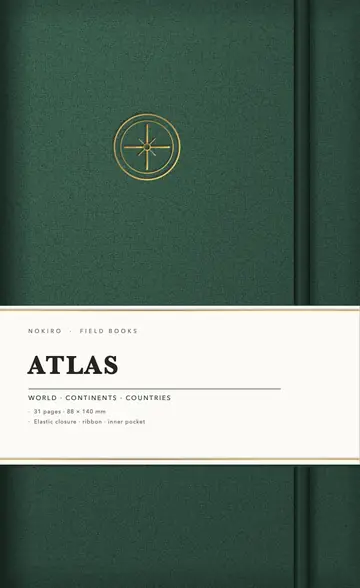
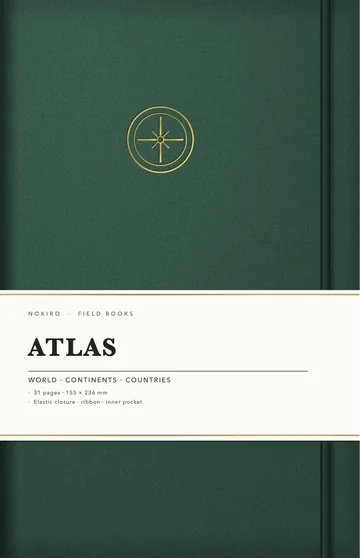
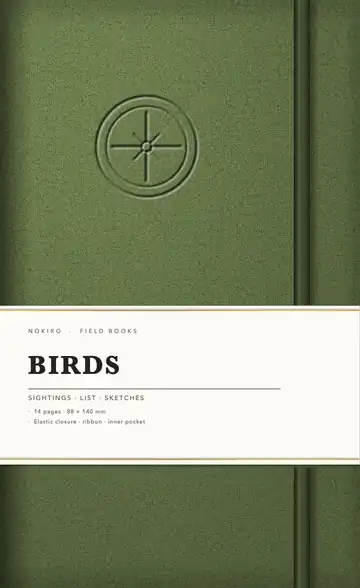
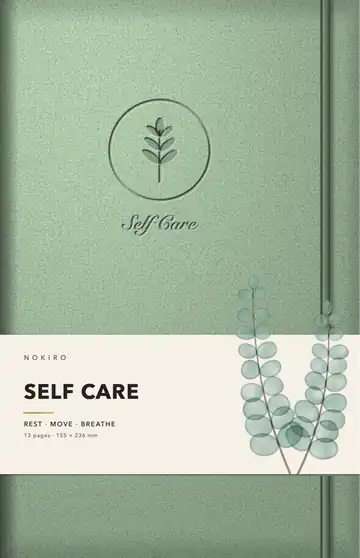
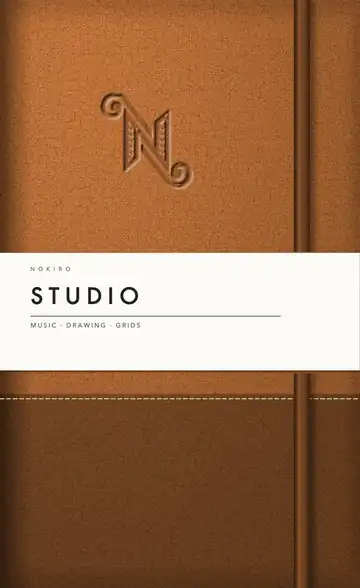
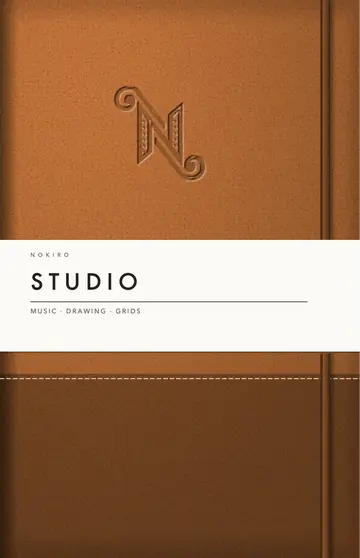
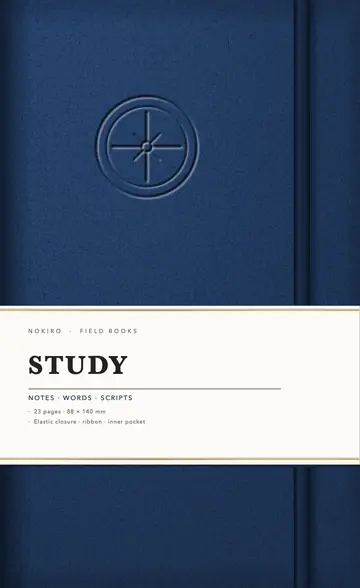
56 ways to begin: sewn notebooks, spiral and Wire-O planners, stapled pocket minis, reporter pads, journals for every habit. Each one has real paper you turn with your finger.
Nothing matches. Clear the search or a filter.
-
-

-
-
-
-
-
-
-
-
-
-

-
-

-
-
-
-
-
-
-
-
-

-
-
-
-
-
-
-
-
-
-

-
-
-
-
-
-
-
-
-
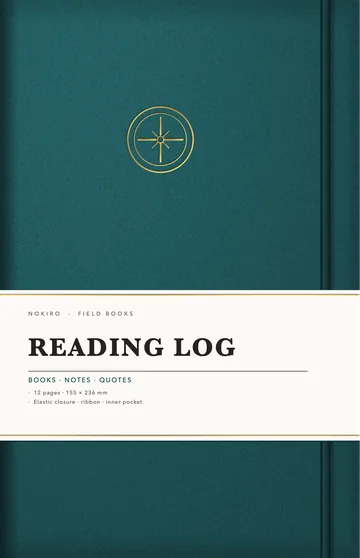
-
-
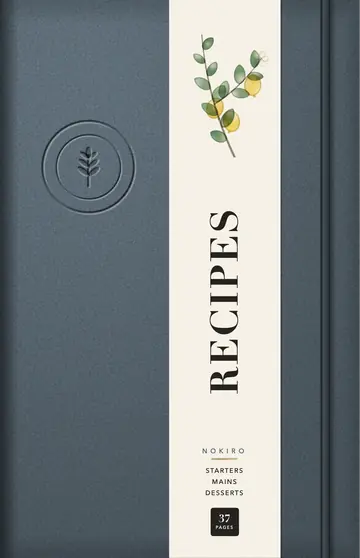
-
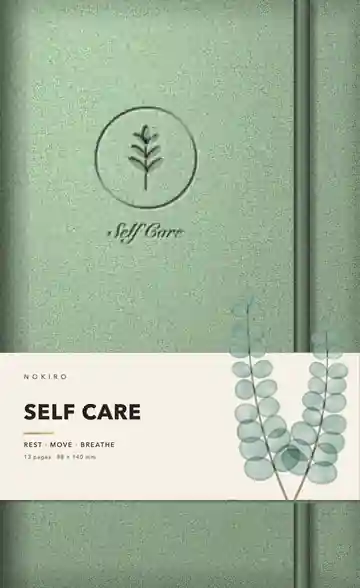
-
-
-
-
-
-
-
-
-
-
-


Why not just a PDF planner?
| What | A PDF in a note app | In Nokiro™ |
|---|---|---|
| Getting it | Buy it, download it, import it into a note app. | Catalog › Notebooks › New Notebook: it lands on your shelf with its cover. |
| The pages | A long PDF that scrolls, links to tap. | Pages that turn under your finger, real tabs, ribbons, a binding that opens like the real one. |
| Changing it | Fixed when it was exported. | Add Pages… brings any page of the library in, wherever you want; make your own sections. |
| What you write | Ink on a picture. | Read on your device: search your handwriting; on pages with fields, dates go to Calendar and totals add up. |
| Price | Often paid per planner. | Nokiro™ is free to download, with no account. |
Questions
What is a digital notebook in Nokiro™?
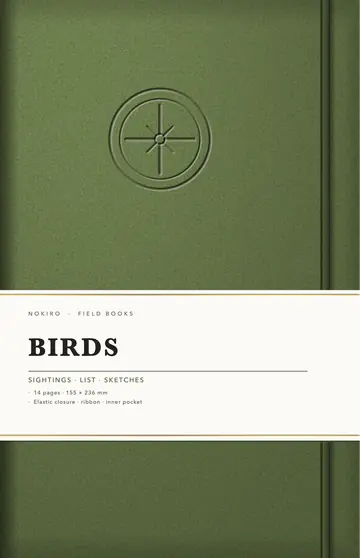
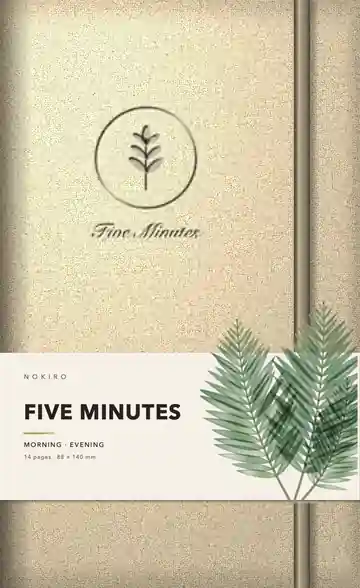
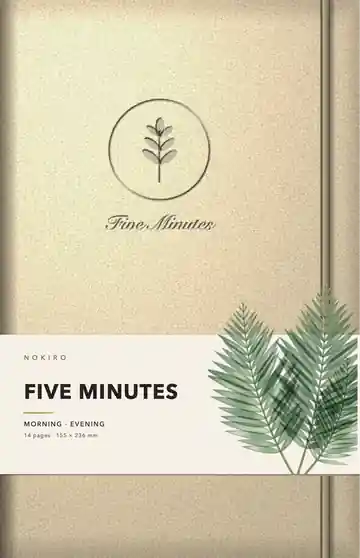
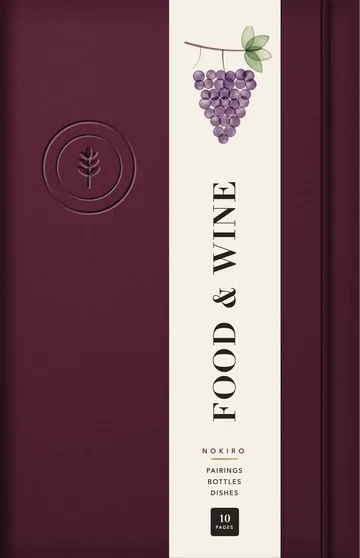
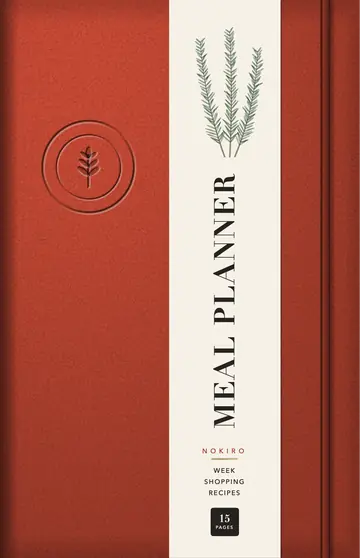
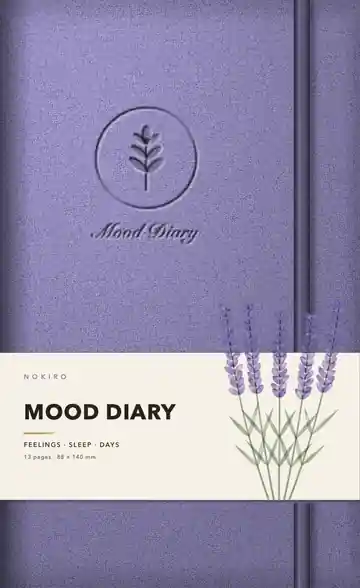
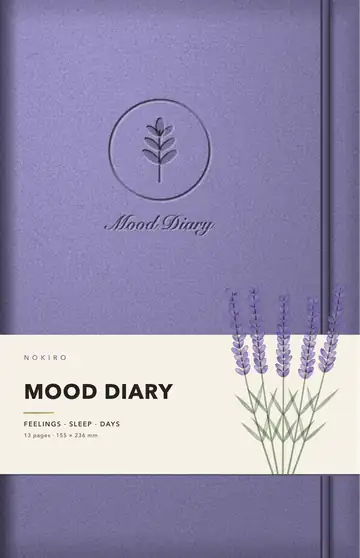
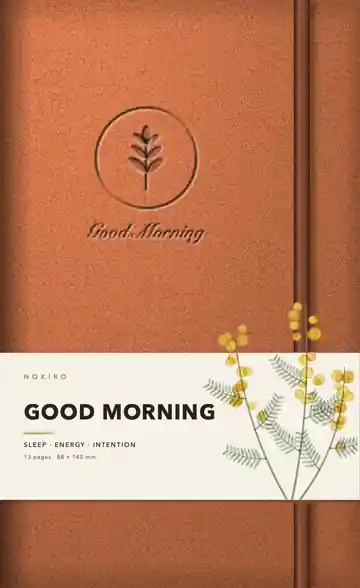
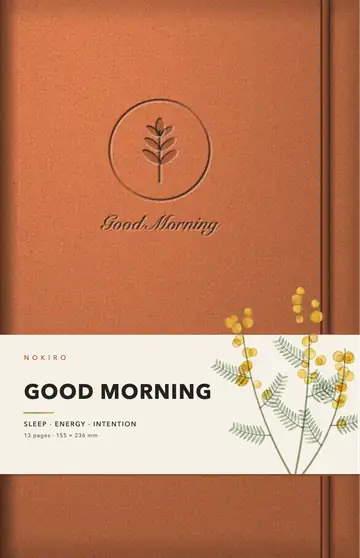
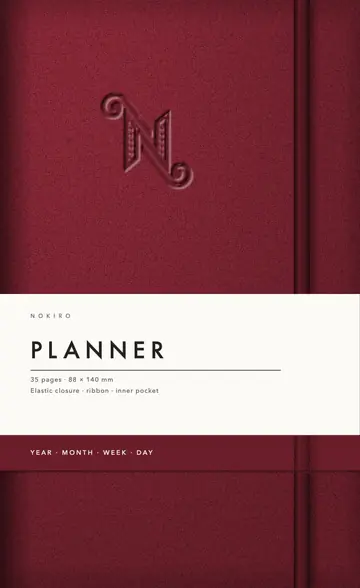
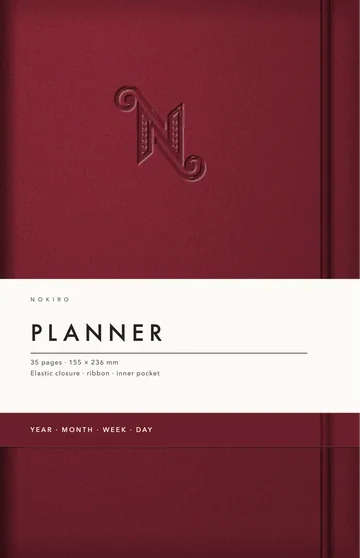
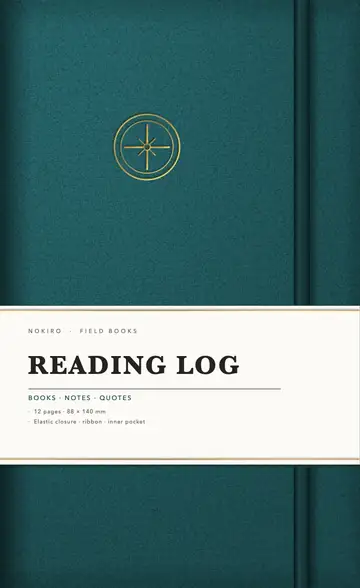
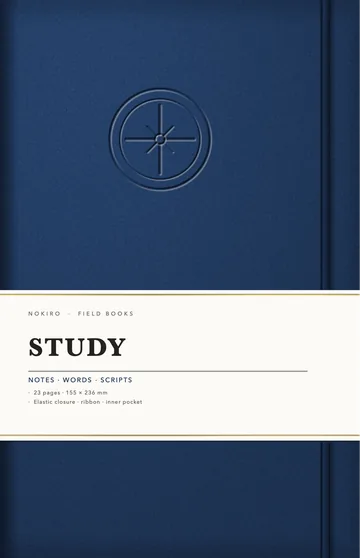
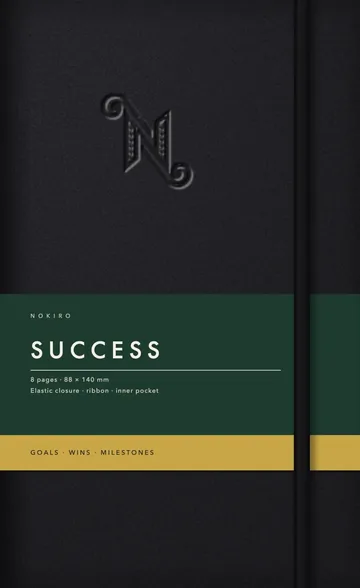
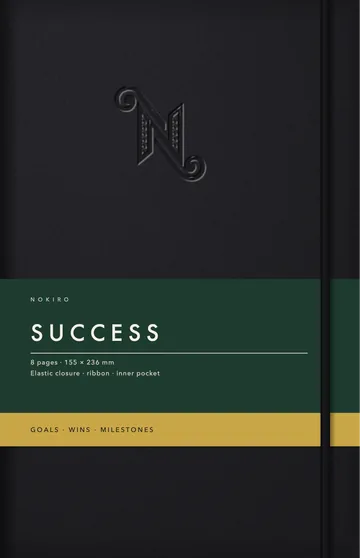
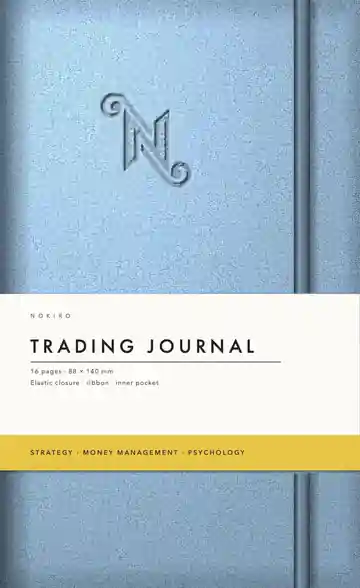
One of 56 notebooks, planners and journals made to look, turn and feel like the real ones: real paper, a binding that opens like the real one, a cover with its closure, tabs, ribbons and a pocket.
Can I change a notebook after I start it?
Yes. Add Pages… brings any page of the library in, wherever you want, and you can make your own sections with their own tabs.
Which notebooks work on iPhone?
An ordinary iPhone opens the pocket minis and reporter pads; iPad and iPhone Duo open every notebook.
Do I need an account?
No. No account and no tracking: your notebooks stay on your device.
More answers in Support & FAQ, or see how it feels.
Your next notebook is one tap away.
Nokiro™ is a real paper notebook for iPad, iPhone and iPhone Duo: pages that turn, sixteen real tools, stickers you peel, and 297 pages to add wherever you want. Free to download, with no account.
Download on theApp Store