Home / Stickers
Sticker packs
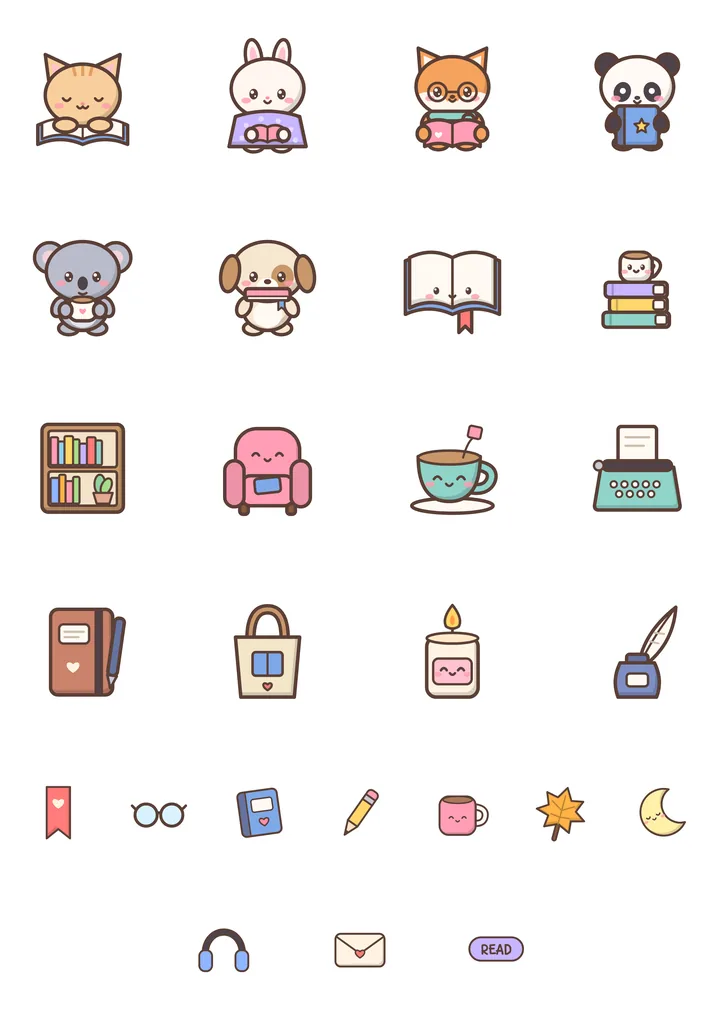
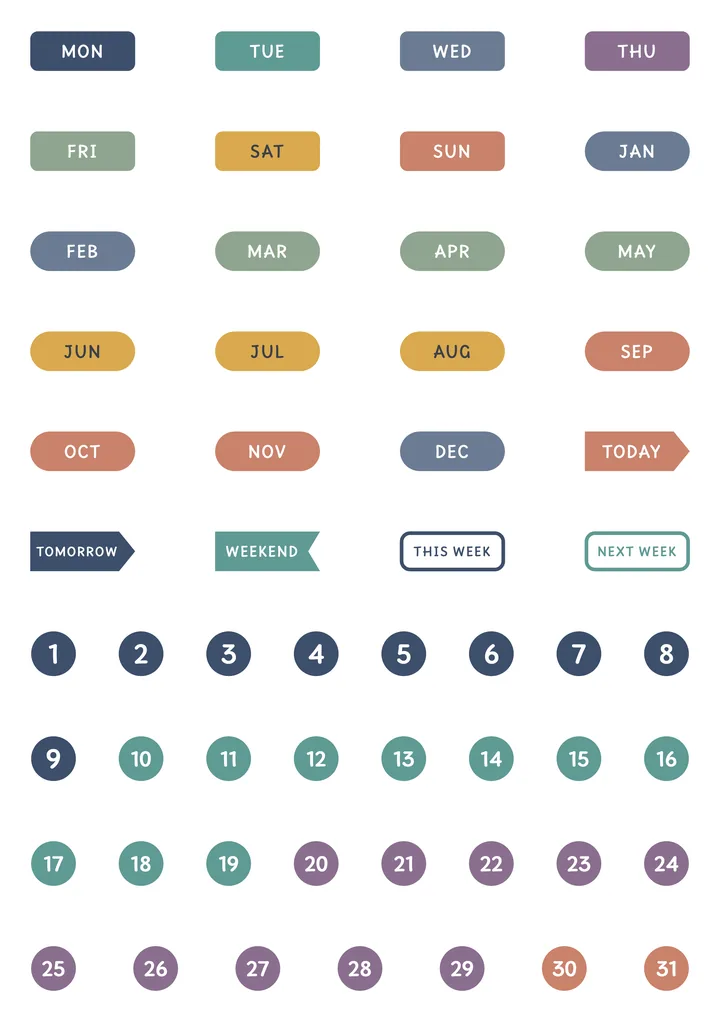
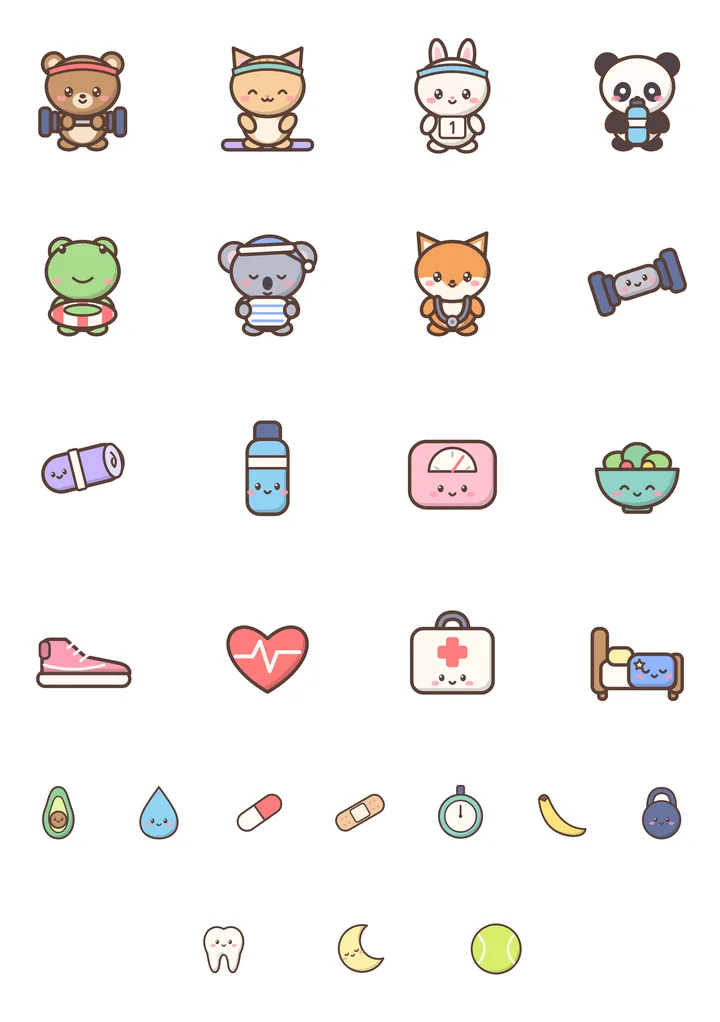
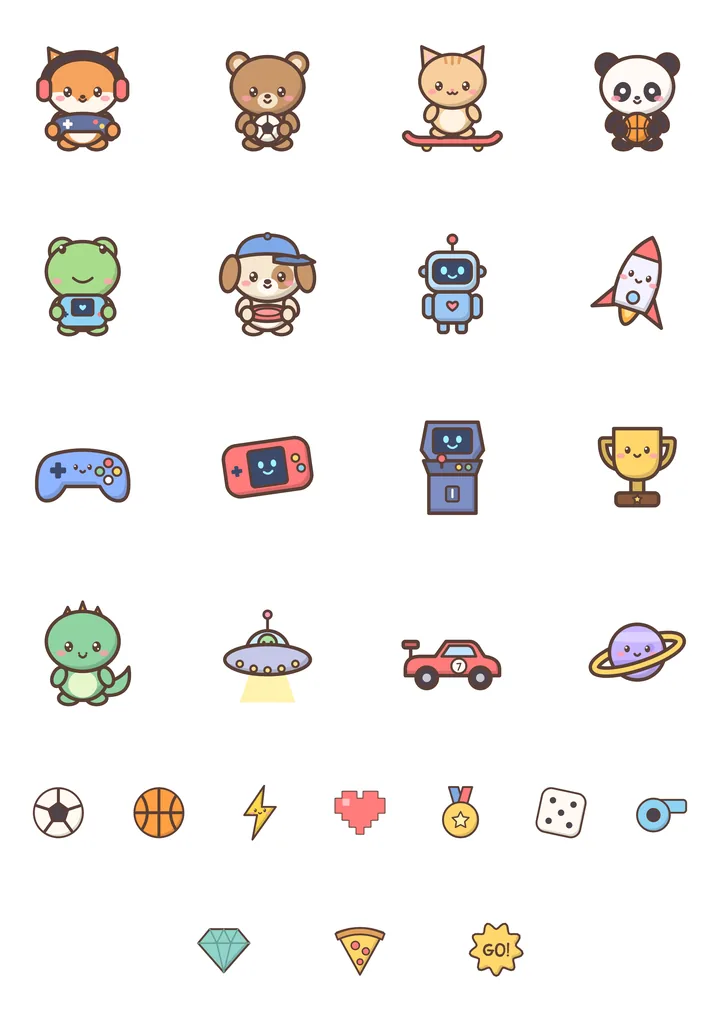
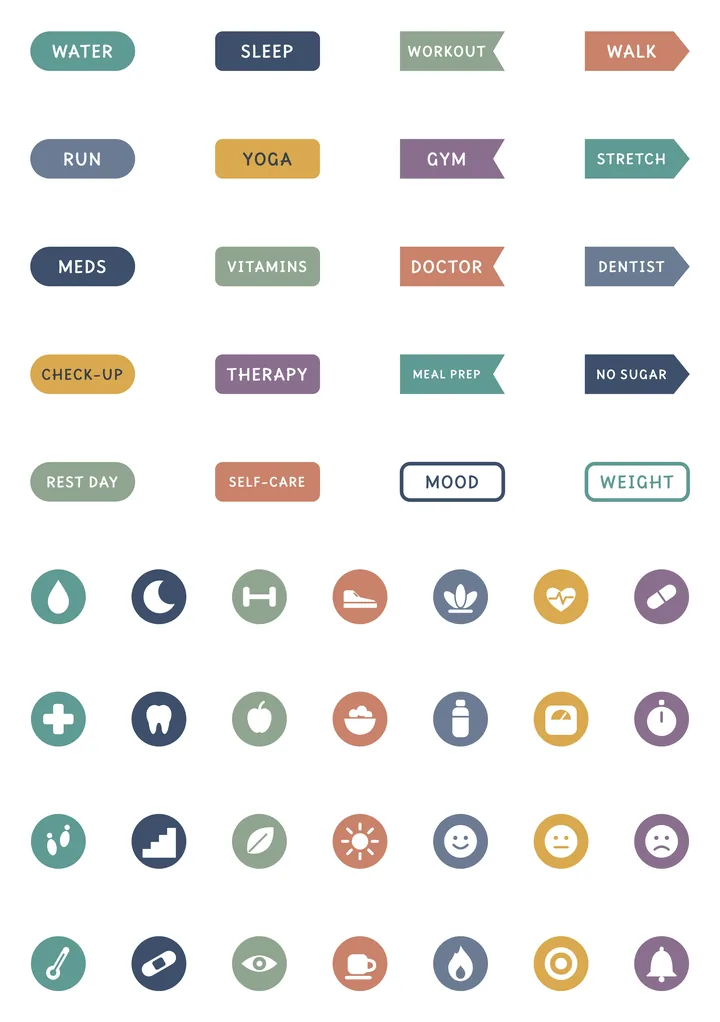
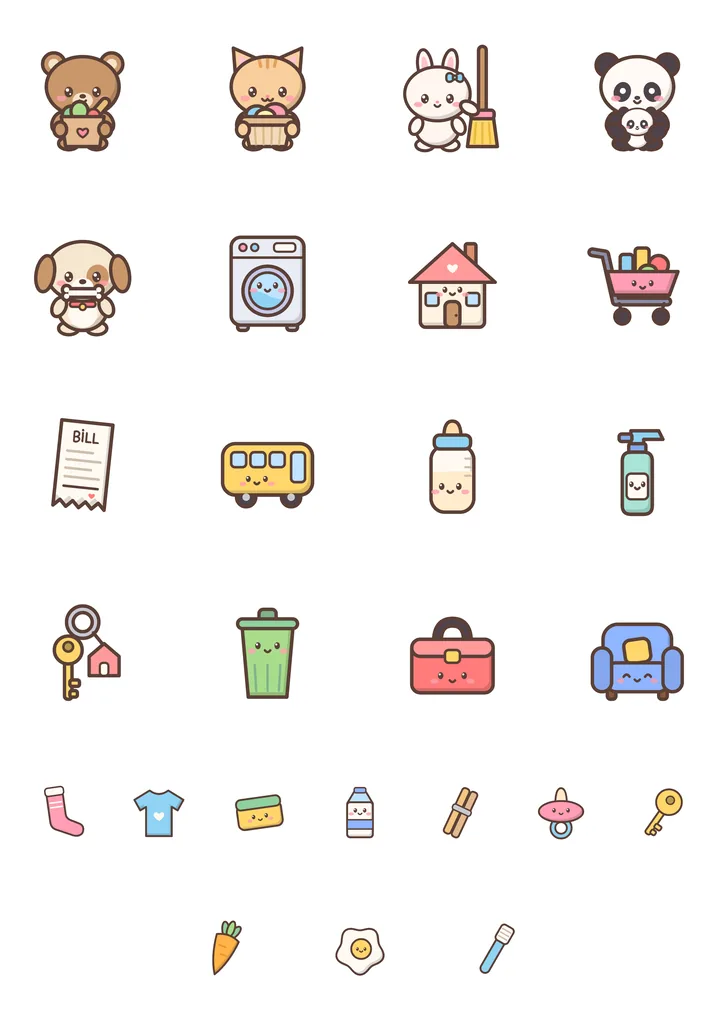
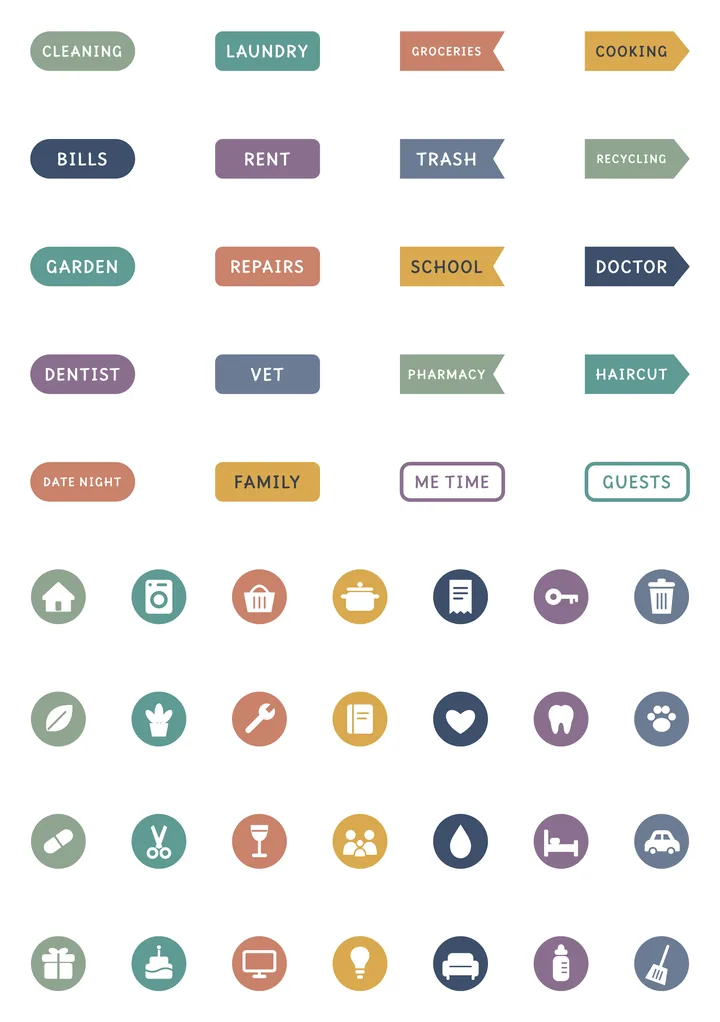
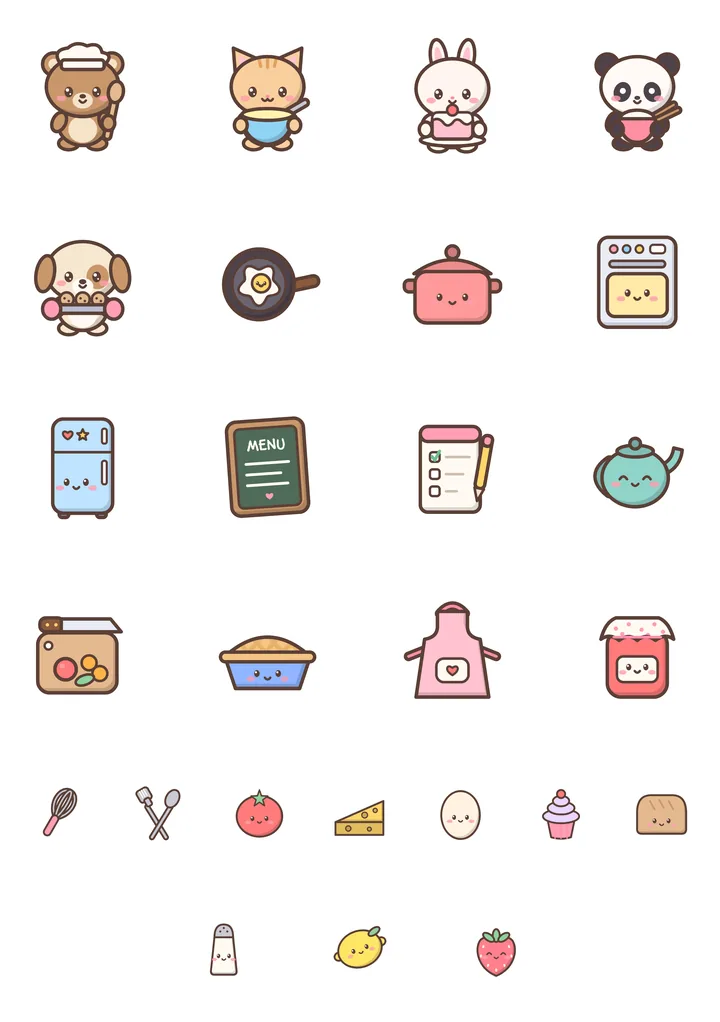
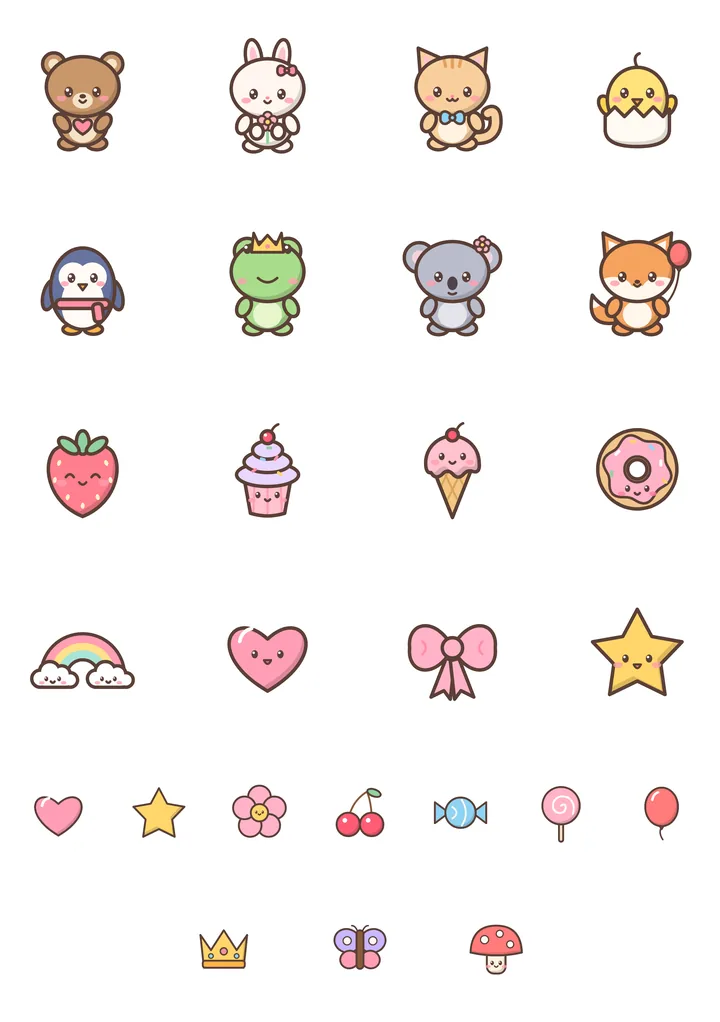
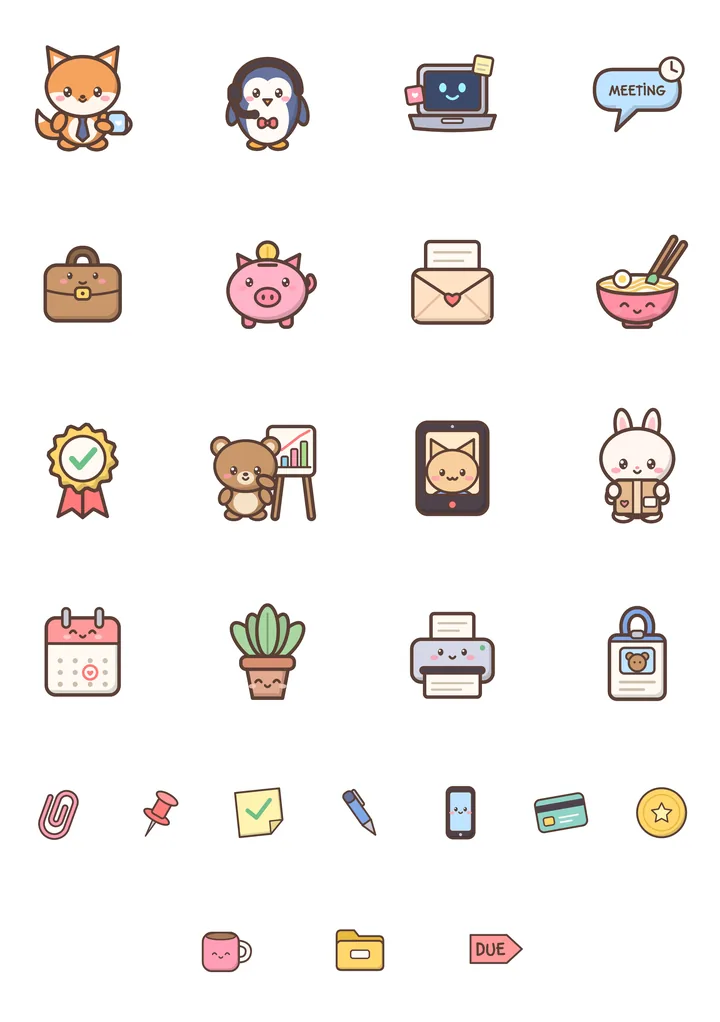
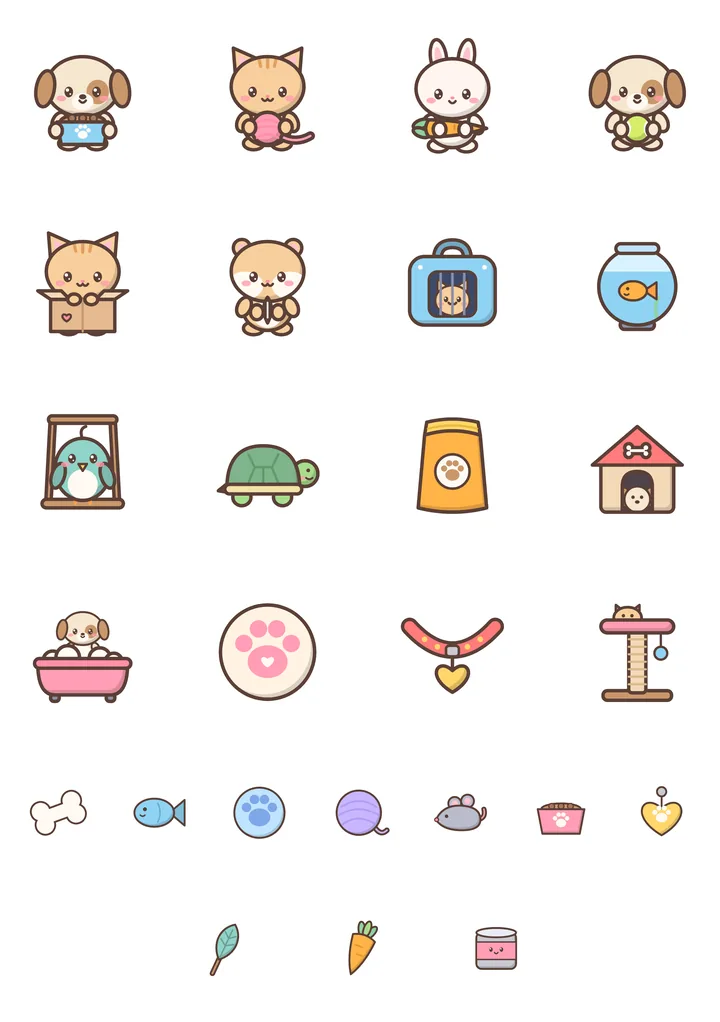
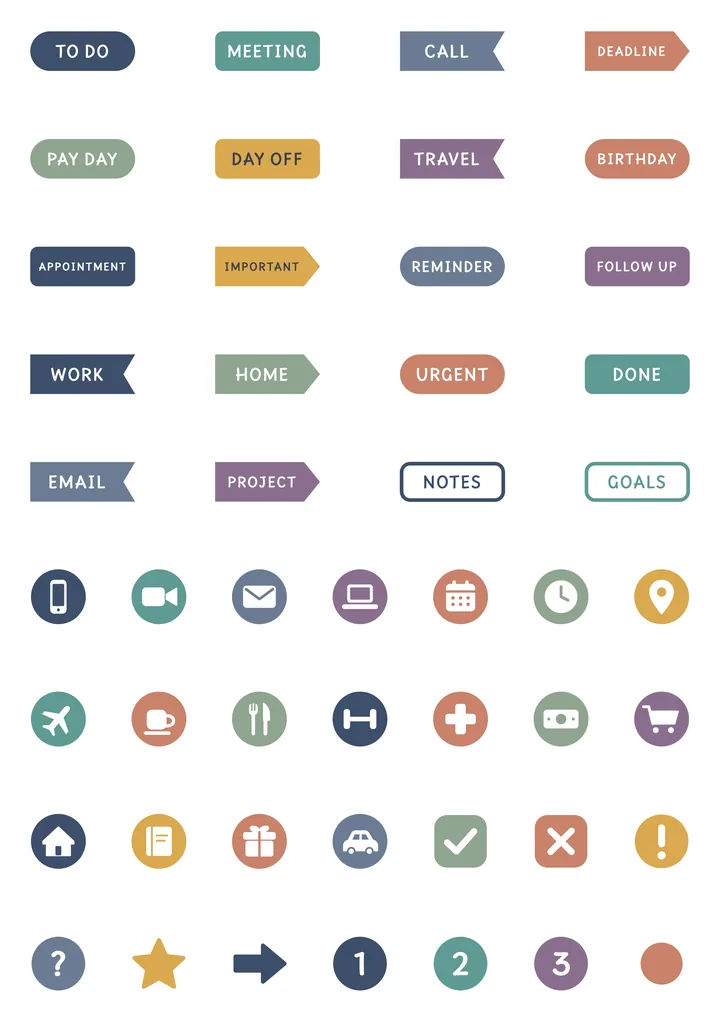
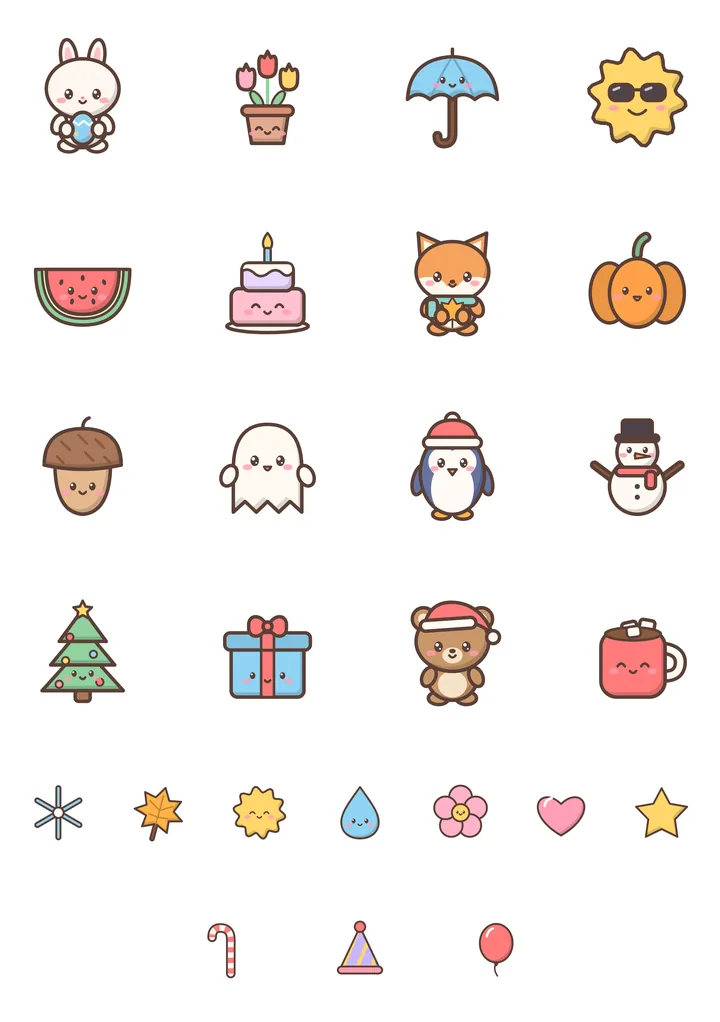
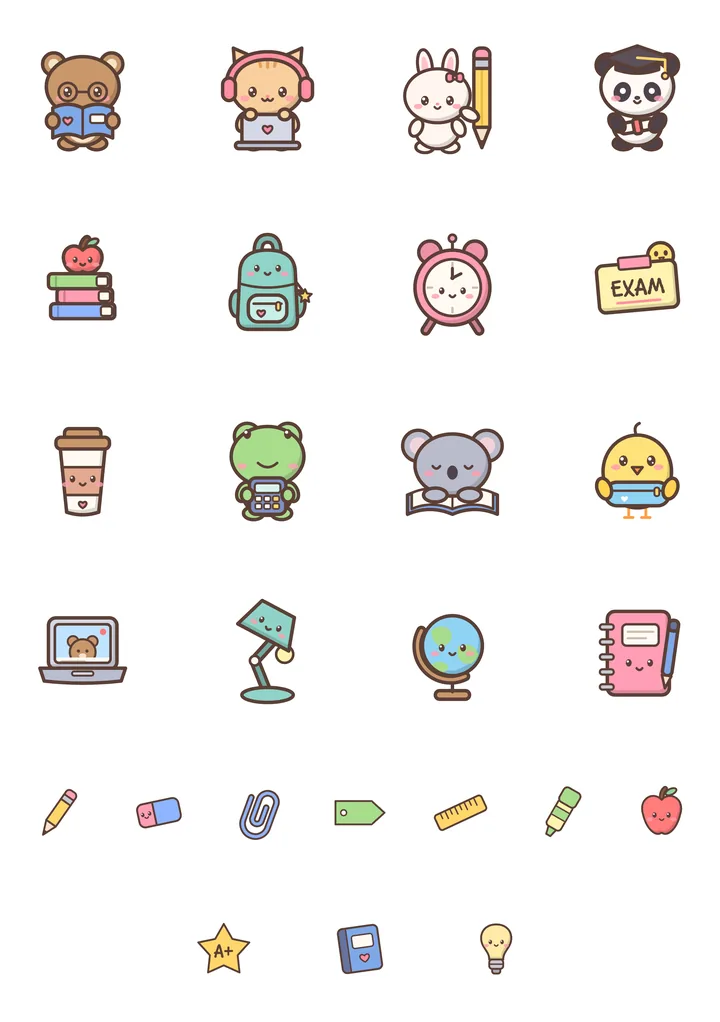
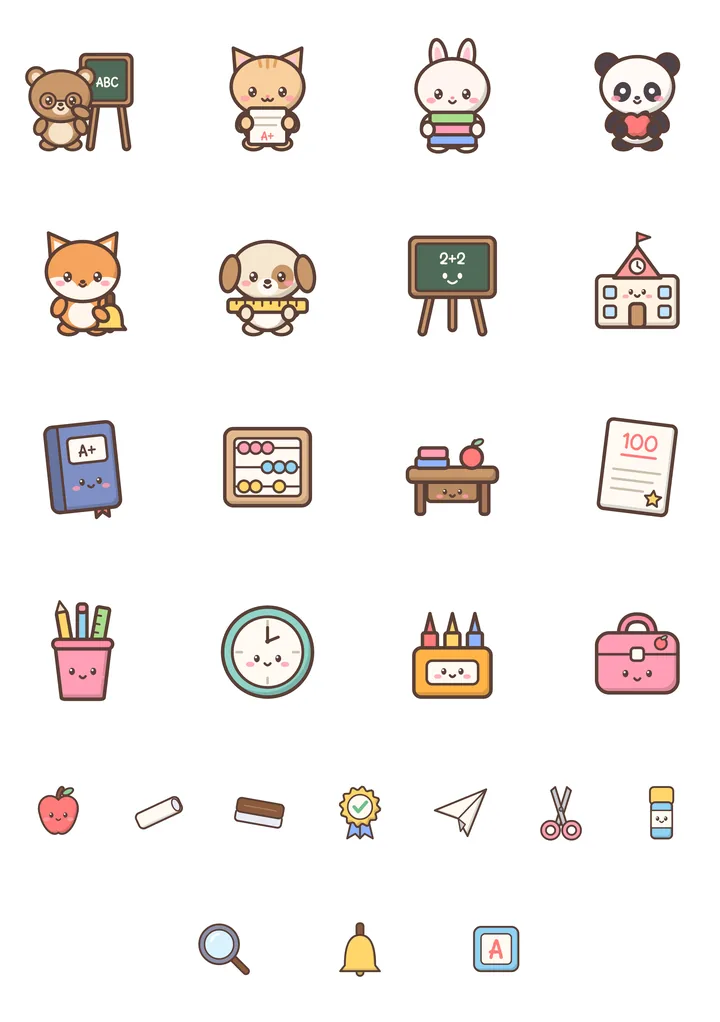
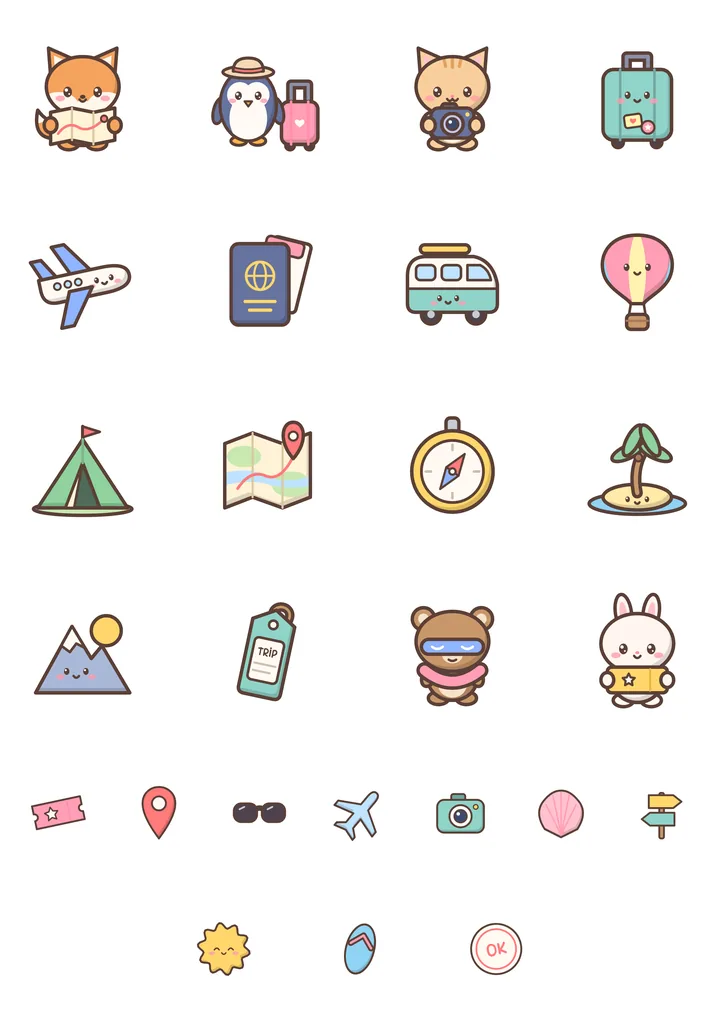
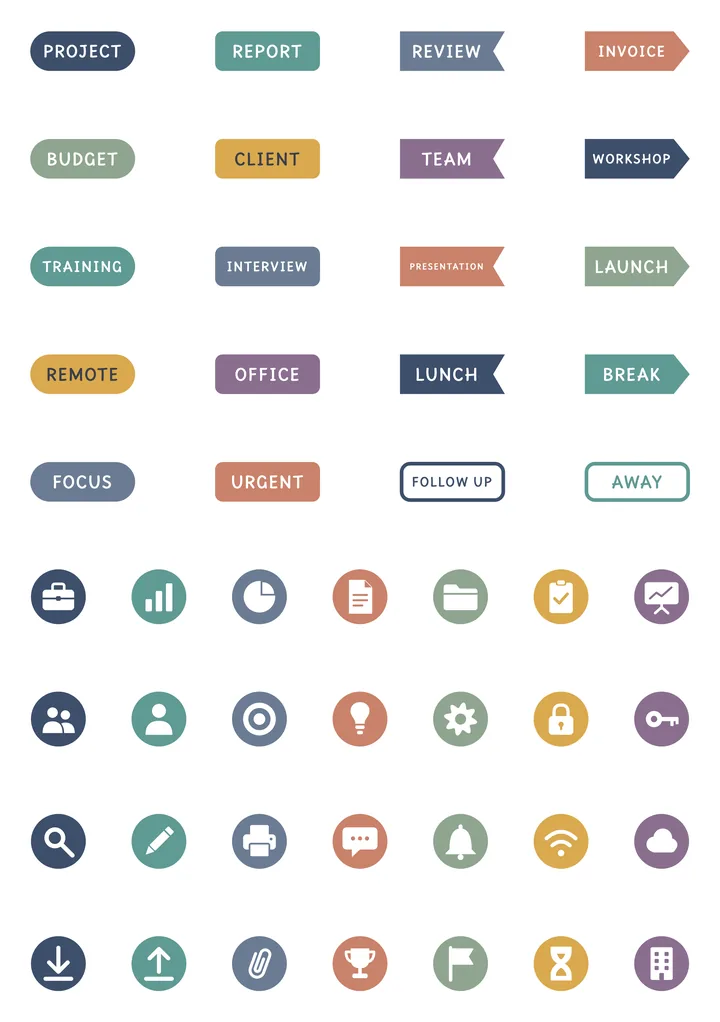
17 packs of full sticker sheets. Peel one off the sheet with your finger and stick it on a page, a photo or the cover.
Nothing matches. Clear the search or a filter.
-
-
-
-
-
-
-
-
-
-
-
-
-
-
-
-
-


Why not just a PDF sticker pack?
| What | A PDF in a note app | In Nokiro™ |
|---|---|---|
| Getting them | Buy a pack of PNGs, crop each one, paste it. | Add to Notebook…: the sheets go into the notebook’s pocket, already cut. |
| Using them | Copy, paste, resize. | Peel one from its sheet like the real thing, drop it, move it, write over it. |
| Your own | Cut them out yourself. | From Photos… cuts the stickers out of your picture for you. |
| Price | Often paid per pack. | Nokiro™ is free to download, with no account. |
Questions
How do digital stickers work in Nokiro™?
Each of the 17 packs is a set of sheets that goes into your notebook’s pocket, already cut: peel a sticker, drop it on a page or the cover, move it, write over it.
Can I make stickers from my photos?
Yes. In the pocket, + and From Photos… cuts the stickers out of your own picture for you.
Do they work on iPhone?
Yes, on iPad, iPhone and iPhone Duo.
More answers in Support & FAQ, or see how it feels.
Your next notebook is one tap away.
Nokiro™ is a real paper notebook for iPad, iPhone and iPhone Duo: pages that turn, sixteen real tools, stickers you peel, and 297 pages to add wherever you want. Free to download, with no account.
Download on theApp Store